Are you tired of buying expensive dresses or trendy clothes just for a single photoshoot? What if you could wear any outfit you want in your photos without spending a dime?
Thanks to Artificial Intelligence, you no longer need a massive wardrobe to look stylish online. In this step-by-step guide, I will show you exactly how to do an AI outfit change on your normal photos in just one click. This method is completely free, looks 100% realistic, and no one will ever know you used an AI cloth change tool!
Let’s dive into how you can add any trending outfit to your photos using a simple AI prompt.
What You Will Need
Before we start, make sure you have access to:
- The Pinterest app (to find your desired outfit).
- The secret AI prompt (provided below).
- ChatGPT (to generate the final image).
Step 1: Find and Download Your Dream Outfit
The first step is finding the clothes you want to “wear.”
- Open the Pinterest app on your phone.
- Tap the search icon at the bottom.
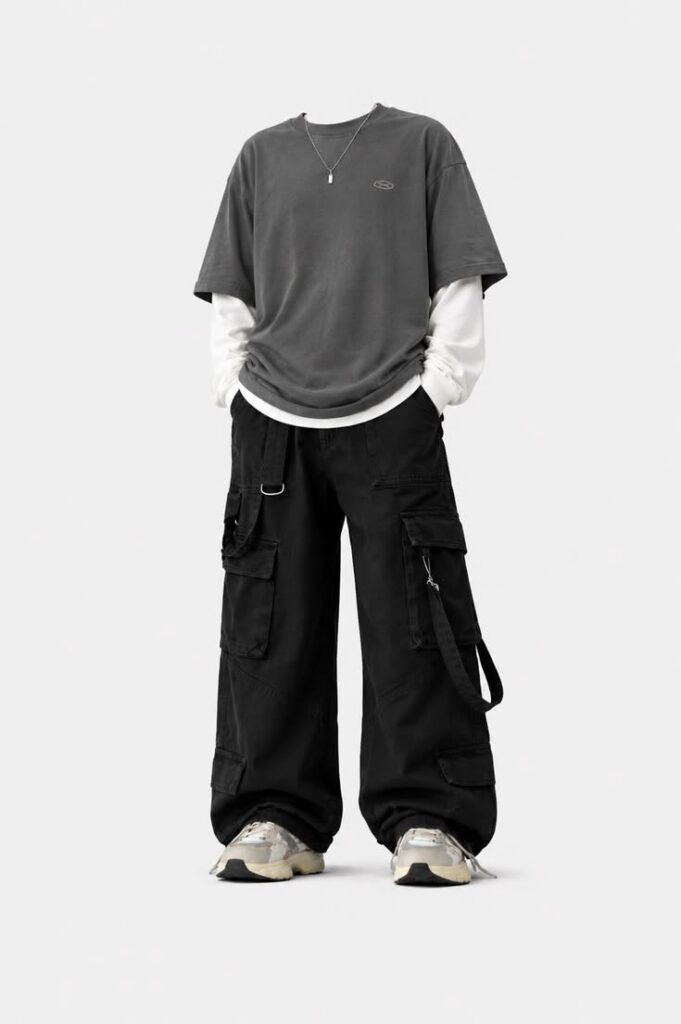
- Search for the style you want. For example, if you want a trendy streetwear look, search for “baggy jeans outfit.”
- Browse the images until you find the perfect clothing item or full outfit.
- Tap on the photo you like, click the three dots (menu) at the bottom, and select Download Image.
Step 2: Copy the Secret AI Prompt
To make the AI understand exactly what to do, you need a specific prompt. Since you are already here on omediting.top, you don’t need to search anywhere else!
Simply copy the text from the prompt box below:
Your AI Outfit Change Prompt
Step 3: Apply the Outfit Using ChatGPT
Now it’s time to merge your face with the new clothes using ChatGPT photo editing.
- Click the button below to open ChatGPT on your browser or app:🚀 Open ChatGPT Here (Clicking this will redirect you to ChatGPT)
- In ChatGPT, tap the + (plus) icon next to the chat bar and select the Photo option.
- Select two photos from your gallery: Your original photo (the one you want to edit) AND the outfit photo you downloaded from Pinterest. Tap Done to upload them both.
- Paste the prompt you copied from omediting.top into the message box.
- Hit Send and wait a few seconds.
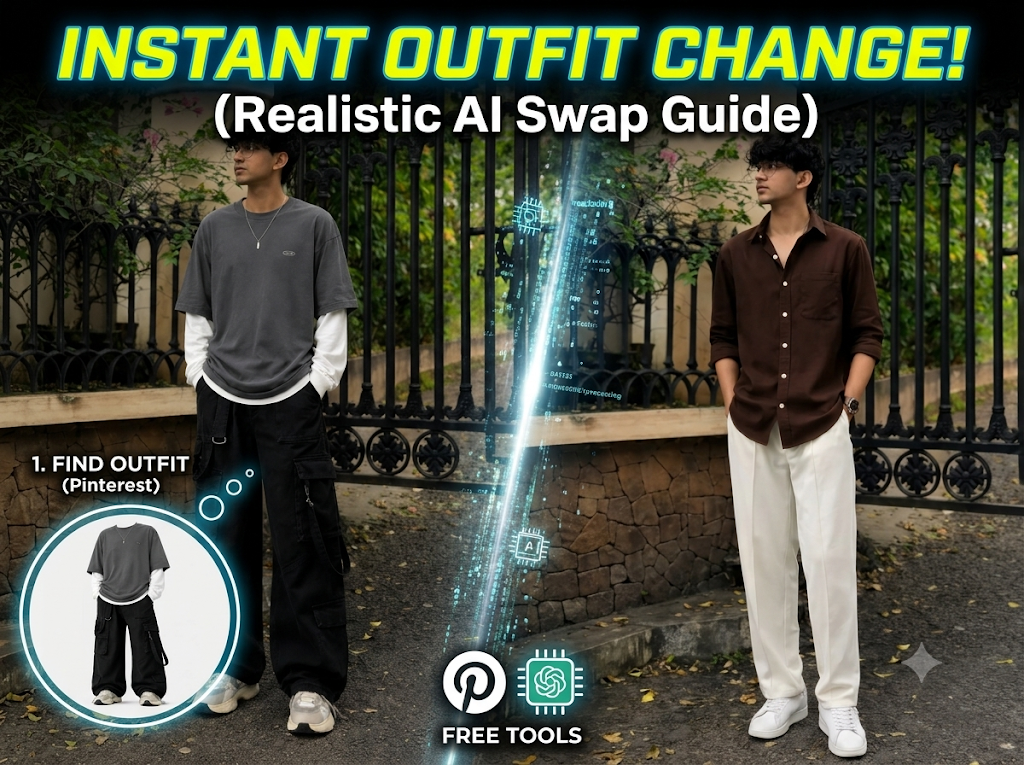
The Result: A Perfectly Realistic AI Outfit Swap!
ChatGPT will process the images and generate a brand-new photo. The AI is smart enough to match your face flawlessly while seamlessly blending the new clothing onto your body. It looks incredibly realistic—not like a cheap copy-paste job!
If you are happy with the result, simply click the Save button at the top to download the image directly to your phone gallery.
Why Use This AI Cloth Change Trick?
- Save Money: Stop buying clothes just for Instagram photos.
- Stay Trendy: Test out viral fashion trends instantly.
- High-Quality Results: The AI lighting and facial matching are incredibly accurate.
Try out this free AI outfit swap trick today and level up your social media game. Don’t forget to bookmark omediting.top for more awesome AI editing tricks and share this guide with your friends!