AI-generated reels are exploding on Instagram and YouTube Shorts, especially mythological visuals featuring Lord Shiva. These reels look cinematic, emotional, and highly shareable — which is why they often go viral quickly.
In this simple tutorial, you will learn exactly how to create a trending Lord Shiva AI reel using image generation and frame-to-video tools. No advanced editing skills required.
Step 1 — Copy the Lord Shiva Prompt
First, copy the prompt below. This is the core instruction that tells the AI exactly what type of cinematic mythological image to create.
Lord Shiva Image Prompt:
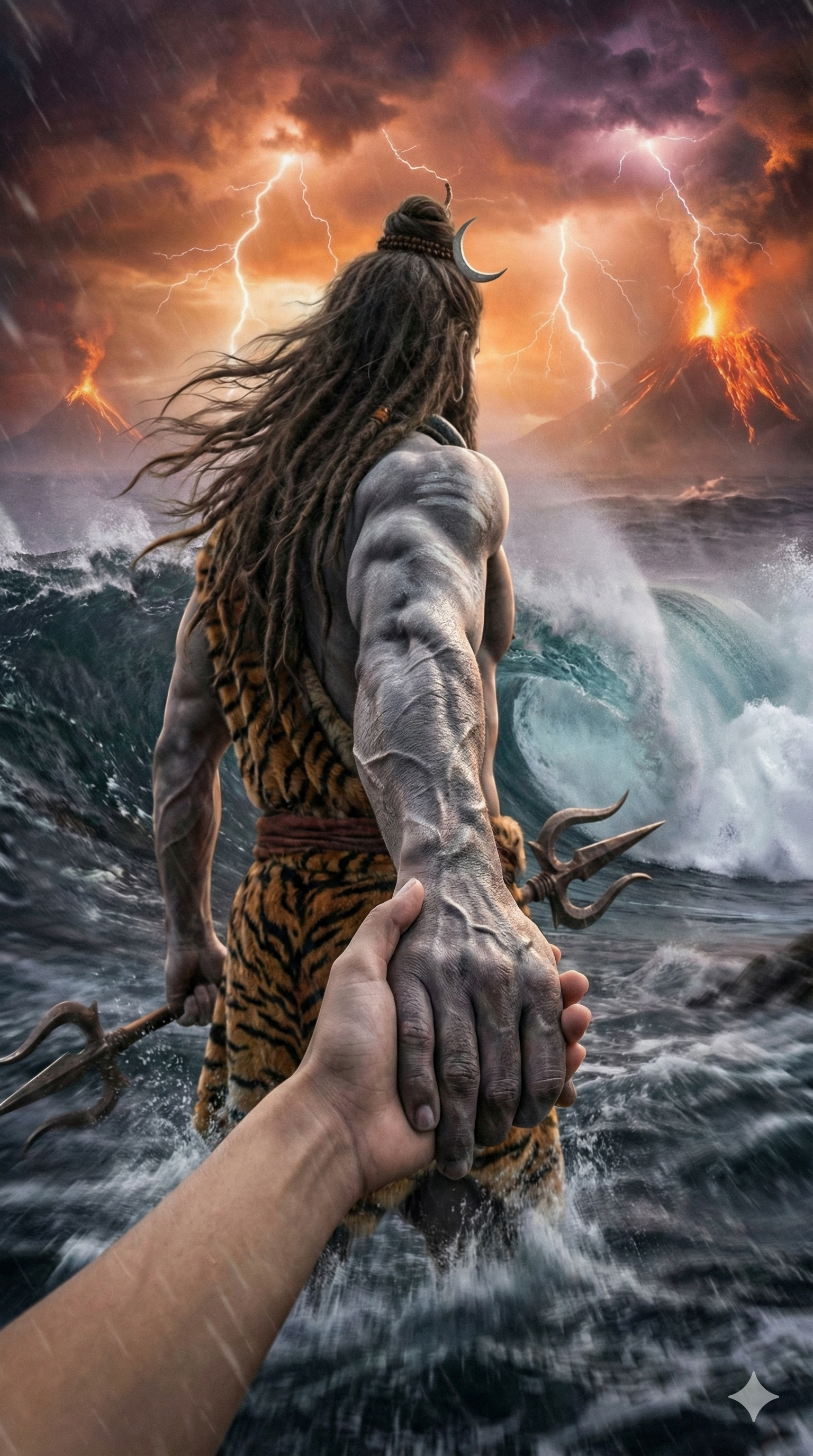
Prompt:-
✅ Save this prompt — you will paste it into Gemini in the next step.
Step 2 — Open Gemini
Now click the button below to open Gemini.
👉 Go to Gemini
Once Gemini opens:
✅ Select Image Generation
Step 3 — Upload Your Photo in Gemini
After opening the image generator:
- Upload a clear photo of yourself.
- Paste the prompt you copied above.
- Make sure the tool is set to create a realistic image.
- Click Generate.
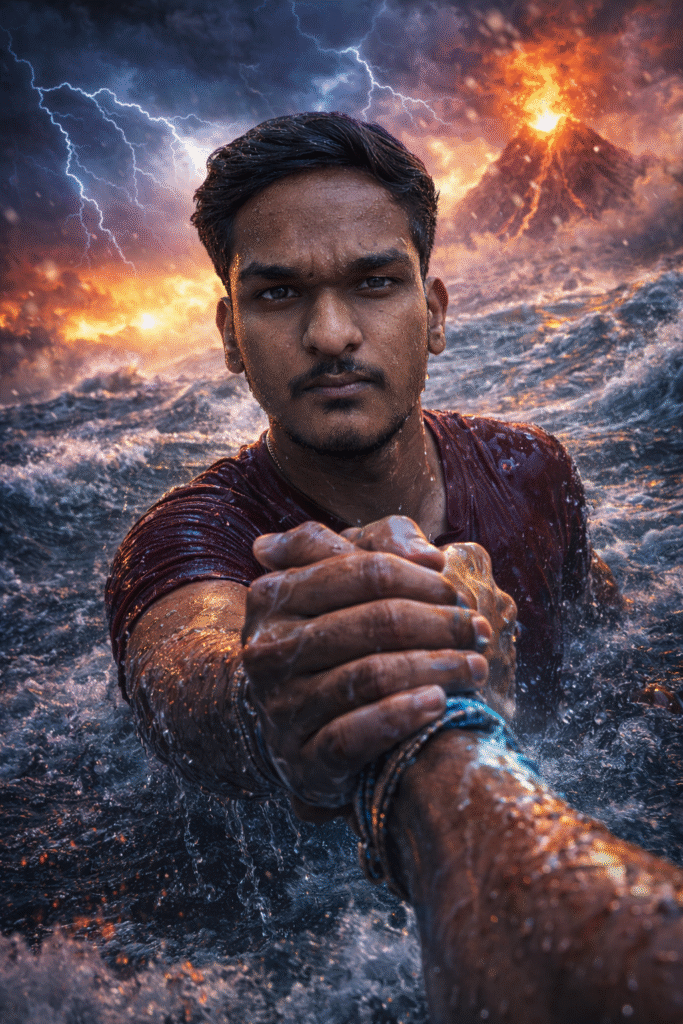
Prompt:-
Within a few seconds, your mythological Lord Shiva scene will be ready.
📌 Pro Tip:
Use a high-quality photo with good lighting for the best cinematic results.
Download the generated image — this will become the first frame of your AI reel.
Step 4 — Copy the Video Prompt
Use the prompt below for realistic motion.
AI Video Prompt:
Copy and paste this into the video generator.
Step 5 — Go to Google Flow
Now it’s time to turn your image into a video.
👉 Click here to open Google Flow
Google Flow allows you to convert still images into moving cinematic clips.
Step 6 — Choose Frame-to-Video
Inside Google Flow:
✅ Select Frame to Video
✅ Upload the image you generated in Gemini as the first frame
For better motion consistency:
- Use the same image as both the first and second frame
OR - Generate a slightly zoomed version for the second frame.
Step 7 — Generate the Video
Now click Generate and wait for the AI to process your cinematic reel.
Once ready:
✅ Download the video
✅ Add trending music from Instagram
✅ Export in vertical format (9:16)
Your viral Lord Shiva reel is now ready to post!
Tips to Make Your Reel Go Viral
✔ Use devotional or powerful trending audio
✔ Add captions like “Har Har Mahadev 🔱”
✔ Keep the video between 5–8 seconds
✔ Upload at night (7–10 PM) for better reach
✔ Use hashtags:#harharmahadev #lordshiva #mahadev #aiart #viralreel #mythology
Final Thoughts
Creating a high-quality AI mythological reel is now easier than ever. With the right prompt, a clear photo, and a frame-to-video tool, you can produce cinematic content in minutes.
Start today — your next reel could be the one that goes viral.