Have you ever wanted to create a video that defies gravity? With the rise of advanced AI video tools, you can now turn a simple text prompt into a cinematic masterpiece. Today, we’re breaking down how to use two specific prompts to create “floating” and “action-packed” sky scenes.
1. Choose Your AI Video Engine
To get started, you’ll need an AI video generator. Popular choices include:
- Luma Dream Machine (Great for realistic movement)
- higgsfield ai
- Runway Gen-2/Gen-3 (Excellent for cinematic lighting)
- Pika Labs (Ideal for specific character animations)
2. Here the Prompts
The secret to a great AI video is in the details. Here are the two styles featured in our latest collection:
Style A:
Best for: Lo-fi beats, aesthetic transitions, and “main character” vibes.
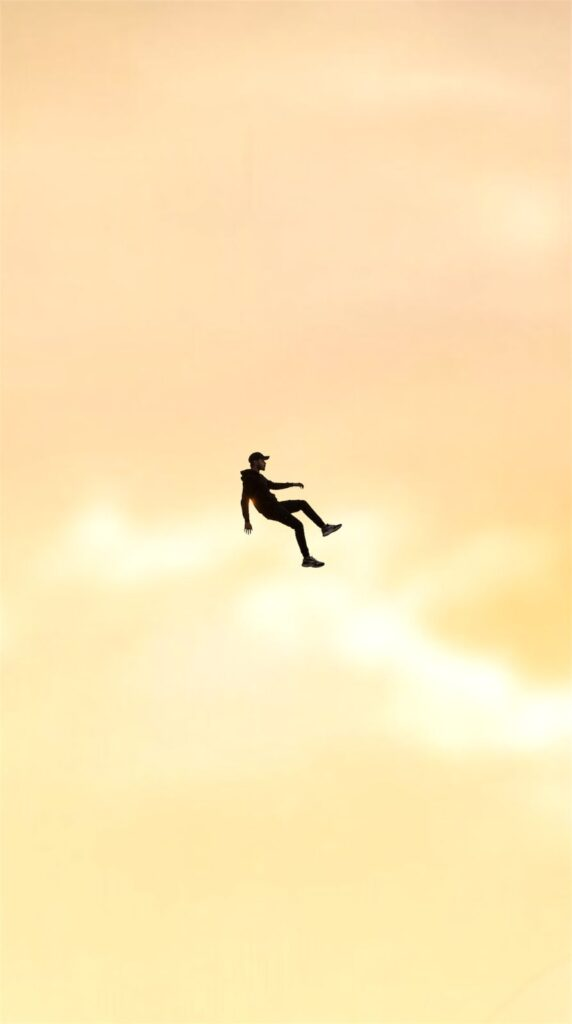
A cinematic surreal photo of a single young man floating in the sky, full body visible, wearing a black hoodie, black pants, sneakers and a cap. The person is slightly tilted as if gently falling or levitating in mid-air. Minimal composition with vast open sky. Soft golden sunset clouds background, warm pastel yellow and orange tones. Dreamy, calm, aesthetic mood. High contrast silhouette style, realistic human proportions, ultra-realistic, cinematic lighting, depth of field, 4K quality, vertical frame, modern Instagram aesthetic.
Style B:
Best for: High-energy edits and cinematic storytelling.
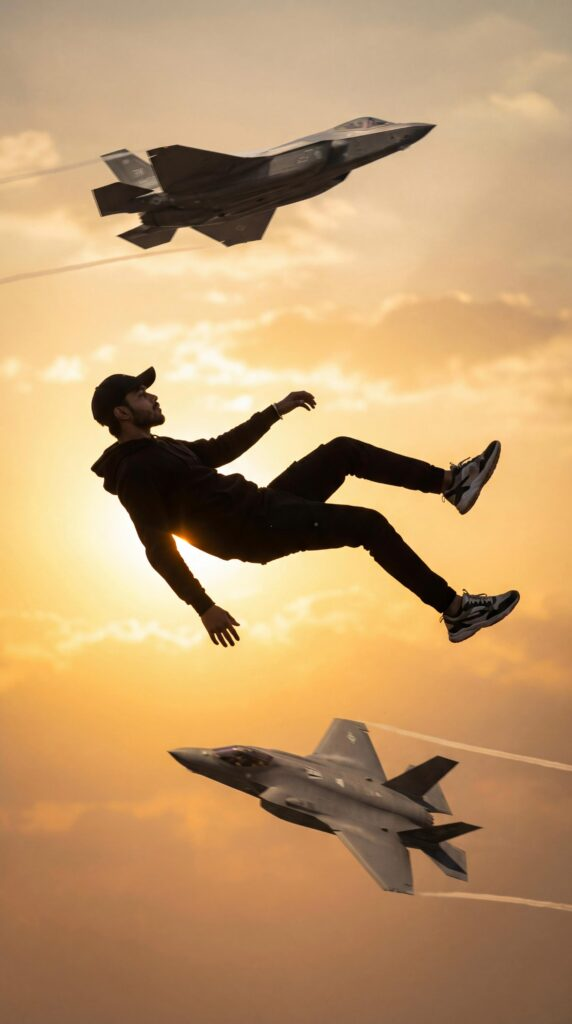
A cinematic surreal photo of a young man floating in the sky as if gravity has stopped, full body visible, wearing a black hoodie, black pants, sneakers and a cap, arms and legs relaxed, dramatic slow-motion pose. Two modern fighter jets flying nearby in the background, one above and one below, creating a powerful action scene. Golden sunset sky with warm orange and yellow tones, soft clouds, strong backlighting, realistic shadows, ultra-realistic, high detail, cinematic lighting, shallow depth of field, 8K quality, photorealistic, dramatic composition, movie still, epic atmosphere. 100% face match.
Ready to Create Your Own?
3. Pro-Tips for Video Editing
Once your AI generates the clip, follow these steps to make it “viral-ready”:
- Speed Ramping: Start the video in slow motion and speed it up slightly when the fighter jets pass by.
- Sound Design: Add “wind whoosh” sound effects and a deep, cinematic bass drop.
- Color Grading: Enhance the “Golden Hour” look by boosting the oranges and teals in your favorite editing app (like CapCut or Premiere).
4. Create Video
Video Prompt
Camera tracks and pans downward with a falling human figure, starting tiny high in the sky and growing larger as they descend through clouds, slowing into a brief levitation as fighter jets streak past behind them at high speed.
Why Use These Prompts?
- 100% Unique: No need for expensive drone shots or green screens.
- High Engagement: Surreal visuals are proven to stop the scroll.
- Versatile: Works for fashion, music videos, or personal branding.